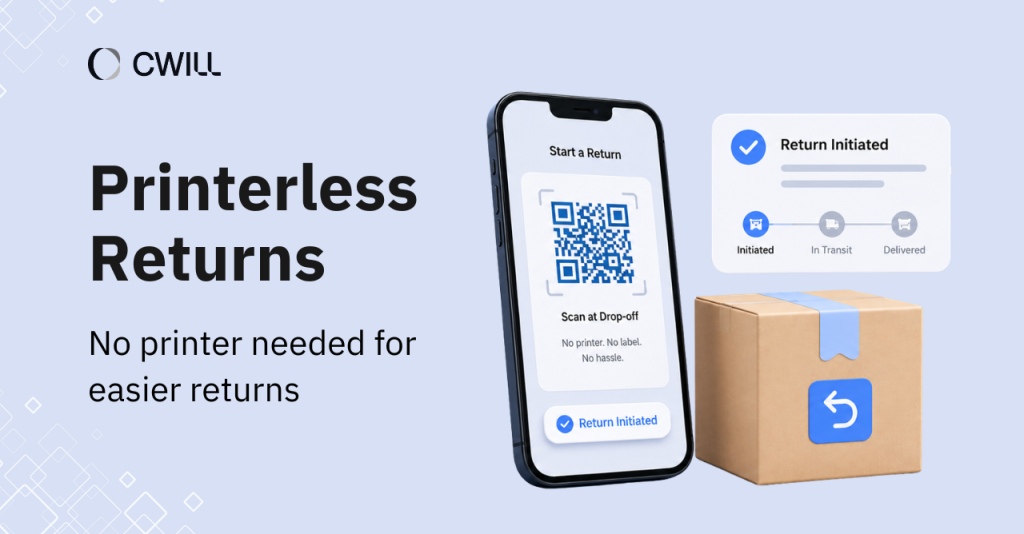
Printerless returns are a merchant-enabled process that allows customers to send items back, even without a physical shipping label.
Although it sounds simple, this workflow provides real benefits for Shopify brands. It saves the team’s time and helps build a better post-purchase experience for customers.
In this article, we’ll show you how printerless returns work, why you should offer them, and how to implement them in Shopify. At the end, you’ll also find some best practices and returns management software that can help you manage the whole process in one place.
What Are Printerless Returns and How Do They Work?
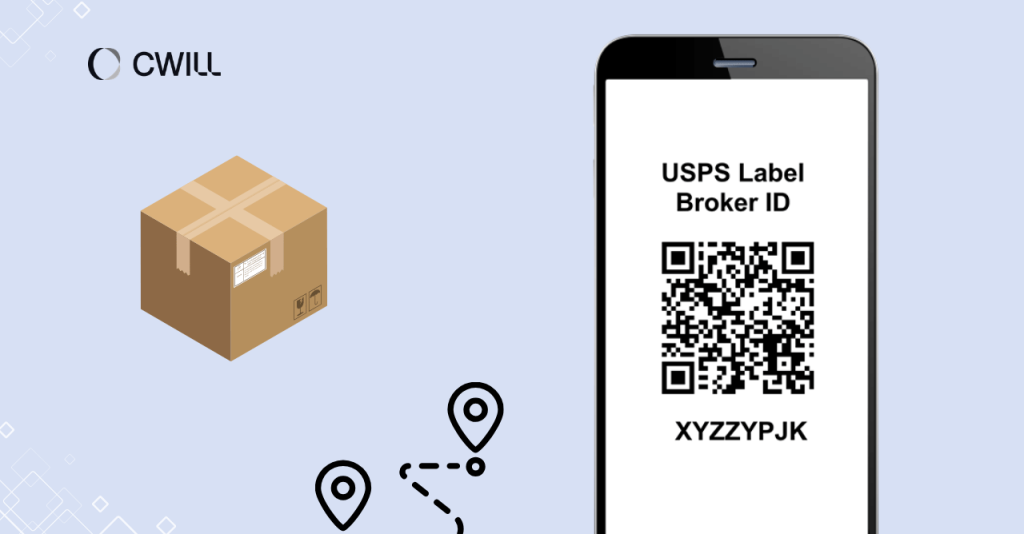
Printerless returns (or what others call labelless returns and paperless returns) are return workflows that use either a generated QR code or a label-broker ID (which is a carrier-issued alphanumeric code).
Unlike traditional prepaid labels that customers need to print at home, printerless returns just require them to show the code from their mobile device at the drop-off location.
Here’s how the whole process looks:
- Customers initiate a return through a self-service portal.
- The QR code generator (from a software or carrier) then creates QR codes that customers can save directly on their phone.
- Customers pack the item back in its original packaging.
- They head to a drop-off location (USPS, UPS, FedEx, etc.) and show the QR code on their phone.
- Staff scan QR codes, print the label on-site, and start the returns and exchanges process.
While it does remove some friction on the customer’s end, it won’t take away your control over the returns process. You’re still the one to set qualifications, return destinations, and the outcome (i.e, store credit, refund, or exchange).
Why Shopify Merchants Should Offer Printerless Returns
Printerless returns benefit both you and your customers. They reduce friction on the customer’s end, build trust, cut down your support workload, and even support your sustainability goals.
Let me go over each one in detail.
Reduce Friction When Completing a Return
Traditional returns require customers to print the label at home. But according to Retail Touch Points, 71% of Gen Z online customers don’t own a printer or simply don’t like printing shipping labels. You might be losing younger, mobile-first customers if you don’t introduce this return setup.
And it’s not just about owning a printer. Based on DHL’s report, 67% of online shoppers prefer to return items through parcel lockers or local drop-off points, where showing a QR code is all it takes. That’s how much easier the process becomes when you remove the printing step.
Protects Customer Trust and Long-Term Revenue
You’ve probably heard how poor returns experience can seriously hurt your business. ADA found that 57% of consumers say it would impact their decision to buy from a brand again. This number includes even those who are already loyal customers.
If you remove the biggest hurdle (having to print the return label), you keep their trust intact and protect their customer lifetime value.
Lowers the Need for Customer Support
Pre-printed labels are great for providing that “safety” to your customers. They can initiate a return anytime and simply stick it to their box.
But there’s a huge problem with this: 80% of them are never used. The costs (wasted ink and paper) of printing one into every single order can pile up.
With printerless returns, you can still make the process accessible… with no extra expenses. Plus, your customer support team can focus on more important issues instead of answering label-related questions (‘how can I print this?,’ ‘what do I do if I don’t have a printer?’ etc.)
It Supports a More Sustainable Brand
And of course, paperless returns also help with eco-friendly efforts. Brands that show more conscious and responsible logistics also earn some plus points from customers. Besides less waste, you can increase your sales and get new customers by practicing sustainability.
How QR Code and Carrier Workflows Enable Printerless Returns
A QR code return works as the link between an approved return request and a carrier-ready label. Once the return is approved, a digital QR code gets sent to the customer’s mobile phone (no more PDF file). They then bring it to a drop-off location, the staff scans it,… and the label gets printed right there on-site.
But the code generation also depends on the setup. Some workflows use carrier QR models (like the USPS Label Broker service). Here, the code connects directly to the carrier, and the label prints at the post office.
Another way is the platform’s QR models. This is when the returns management system handles the approvals and routing rules first, then generates a new QR code through an integrated carrier.
Carrier QR models are good, but platform ones offer extra features and control for e-commerce store owners.
Here are some examples of carriers with their QR setup:
- USPS QR codes are available the same day the return is submitted; there is no need to download or print anything.
- UPS QR codes are available for US domestic shipments only and require your UPS account to have non-consolidated accessorials enabled.
- Australia Post lets customers walk into a select post office, show their QR code, and get their return label printed on-site at no extra cost.
How to Implement Printerless Returns in Shopify
Before you can implement printerless returns, you need to prepare these four things: a self-service return portal, approval logic, carrier support, and routing rules (to decide where your returns go).
Make sure to define which return cases qualify. Most merchants start with domestic standard returns, then expand to exchanges or specific product categories once the workflow is running smoothly. This way, you won’t be overwhelmed with exceptions you weren’t ready to handle.
Once you have your rules, it’s time to create a detailed instruction for your customers. You have to communicate the following points:
- How to access their QR code (email, portal, or app)
- How to pack the item (does it need to be in original packaging?)
- How long the QR codes are valid and when they expire
- The drop-off address and which carriers are supported near them
- Your contact details in case the customer has any questions
Remember that the goal here is to make the process as easy as possible for your customers… and your team.
How ParcelWILL Returns Brings It All Together
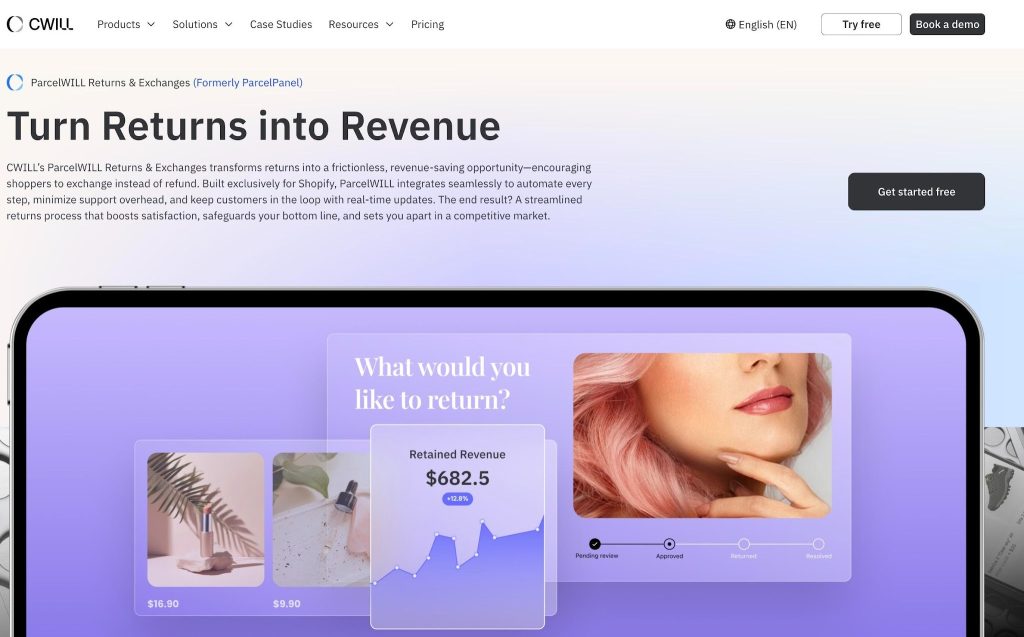
Most of the manual work in a printerless return setup comes from managing approvals, generating QR code images, and keeping the Shopify store updated. ParcelWILL Returns centralizes all of that in one place.
When a return is approved, ParcelWILL automatically generates a free QR code and sends it to the customer. It supports USPS, UPS, FedEx, DHL, DPD, Evri, and more, so your customers can drop off at whichever carrier location works best for them.
Your customers get a branded returns portal on your own domain, where they can track everything online. And every return status syncs to Shopify in real time, so your team always knows where things stand.
Best Practices for Running Printerless Returns at Scale
Keep the following tips in mind before you roll this return setup out:
- Start with your lowest-risk cases: Domestic orders and lightweight products are the best place to begin. They’re the easiest to troubleshoot and give you a chance to iron out any issues before expanding.
- Make your return pages mobile-friendly: Most customers will access their QR code on a phone. So, make sure that your return portal is accessible from desktops, mobiles, and tablets. Plus, be specific about next steps, code expiration dates, and drop-off locations.
- Prepare your support team ahead of time: Scan failures, expired codes, and carrier exceptions will happen. Your team should know how to handle each scenario (even before a customer runs into one).
- Check carrier and drop-off coverage before you expand: Not every location supports every carrier. Verify this before rolling out printerless returns within all your products or regions.
Common Limitations Merchants Should Plan For
Just like other return setups, printerless returns have their limits.
One is drop-off availability. Carrier coverage varies by service and region. What works for a domestic order in California may not work for a customer in a rural area or a different country. On top of that, international returns often require separate documentation or a completely different workflow.
It’s important to create special setups to accommodate customers outside your standard return coverage area before you expand.
Some carriers also don’t support printerless returns for oversized, hazardous, or high-value items. And unlike physical labels, QR codes expire. If your customer waits too long to drop off their package, the code may no longer be valid at the location. This is something they have to know in advance to avoid any issues.
Being aware of these limitations will help you build a more realistic setup from the start. So, validating fees, exception rates, scan reliability, and code expiration windows before you scale is always a good idea.
Conclusion
Printerless returns improve your operations and give your customers one less reason to hesitate before buying. And when the process is easier, more customers actually follow through with it.
Merchants who treat returns as part of the customer experience (and not just a logistics problem) are the ones who see better retention in the long run.
If you’re ready to build a more efficient returns process, install ParcelWILL and see how it works.
FAQs About Printerless Returns
What is printerless return?
Printerless returns refer to a return process where customers don’t need to print anything at home. They get either a QR code or a carrier-issued alphanumeric code on their phone, show it at a drop-off location, and the carrier handles the rest.
How to get a USPS return label from a QR code?
Customers can get their USPS return label in two ways. First, through the USPS Label Broker service. Just show the QR code at any Post Office counter, and a retail associate prints it. Another way is through USPS Label Delivery service, where a physical label gets mailed directly to the customer’s address (for a small fee).
How does labelless return work?
With labelless returns, your customers skip the physical label printing entirely. They receive a digital code on their phone that the carrier will scan once they drop the item at the designated location.
How to get a QR code for a return label?
You can get a QR code for a return label through a return portal (like ParcelWILL), directly from a carrier (UPS, USPS, etc.), or through shipping software like ShipStation.
For merchants, your return portal or shipping software handles the QR code generation automatically once a return request comes in.
For customers, they can initiate the return through your online store, select a printerless return option, and get a QR code.

Content Specialist
I’m passionate about creating SEO-friendly content that also resonates with readers. I take data and insights and turn them into actionable, practical ideas. My mission? Helping websites drive organic traffic and grow sustainably.