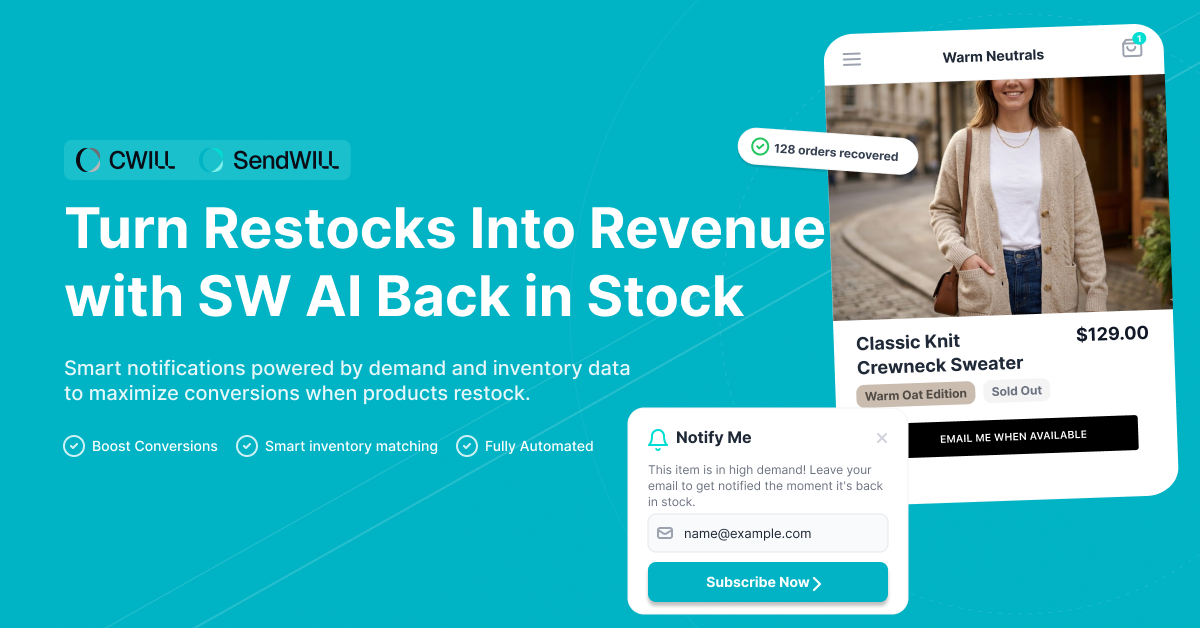
Out-of-stock products don’t just pause sales; they create lost revenue opportunities. When shoppers see “Sold Out,” many leave and never return.
Most back-in-stock tools rely on basic notifications and static rules, missing real customer demand and optimal conversion timing.
SendWILL Back in Stock by CWILL helps DTC brands recover lost sales with AI-powered email and SMS alerts. It analyzes restock quantities and subscriber demand to send notifications at the optimal time and volume. With customizable popups and branded product page sections, you can turn every restock into consistent revenue growth.
Why SendWILL Back in Stock?
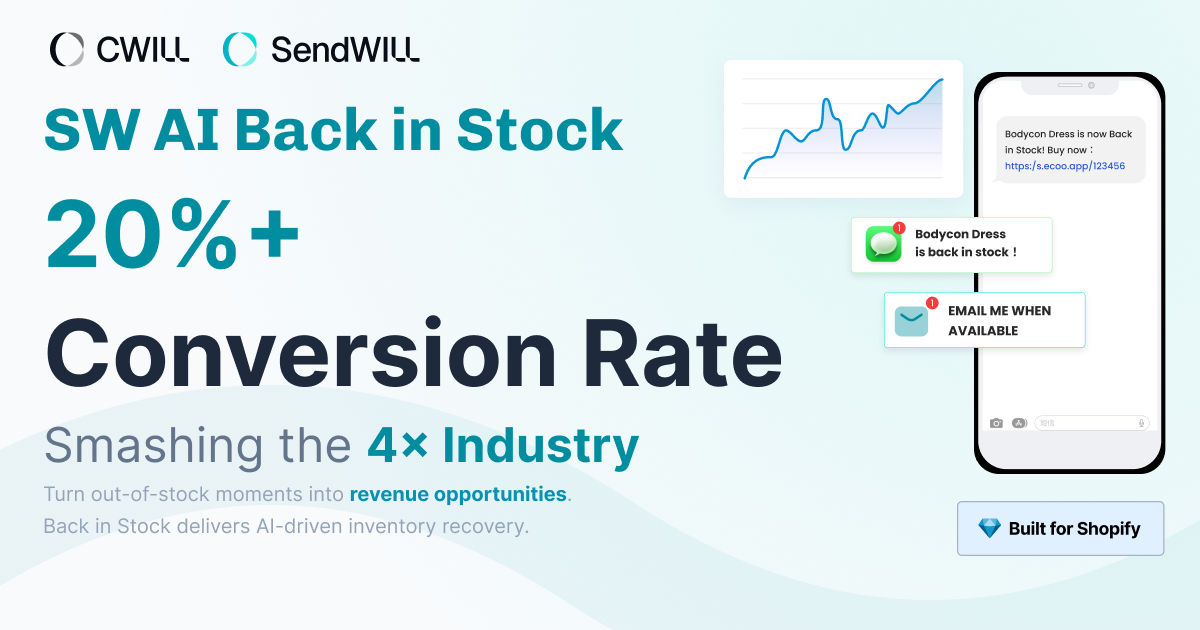
SendWILL Back in Stock helps eCommerce merchants recover sales with AI-powered stock alerts and demand-based optimization.
Here’s how SendWILL Back in Stock solves the most common challenges eCommerce merchants face after stockouts:
| Merchant Pain Point | What Typically Happens | SendWILL Back In Stock Core Value | Business Outcomes |
|---|---|---|---|
| Hard to control back-in-stock notification volume | Merchants often manually estimate notification volume after stockouts | Smart Inventory Matching analyzes restock quantities, customer demand, and conversion data to optimize stock notifications automatically | Sell through stock faster, reduce missed opportunities, and recover lost sales |
| Language barriers cause international customers to miss or ignore back-in-stock alerts | Fewer customers open the alerts, engage with them, or make purchases | Auto-Language Matching sends back in-stock notifications in the subscriber’s native language | Higher engagement and improved conversions in global markets |
| Email-only stock alerts limit reach | Customers miss automated emails or see them too late | Omnichannel alerts via email and SMS to stay connected across device types | Faster purchases and stronger restock performance |
| Fear of losing subscriber data when switching stock app | Merchants delay installation or migration | Seamless Migration with full support to transfer customer alerts and subscription data | Safe transition with no data loss |
| Back in stock notifications operate separately from marketing efforts | Complex API setup, lost retargeting potential | Deep Integration with EcomSend enables seamless subscriber synchronization and marketing activation | Turn stock alerts into long-term revenue and boost sales beyond restocks |
How SendWILL Back In Stock Helps Your Business?
SendWILL Back in Stock helps you recover lost sales with intelligent restock notifications and demand-based optimization. Unlike traditional tools, it optimizes timing and targeting based on real demand and conversion potential.
Smart Notification Strategy for AI Back-in-Stock Alerts
SendWILL Back in Stock uses an AI notification strategy optimized with your customer demand and conversion data. It prioritizes alerts for your shoppers most likely to purchase. Back-in-Stock notifications are scheduled based on conversion potential instead of bulk messaging. This reduces notification overload and helps prevent customer churn.
The Back-in-Stock Alerts improve stock alert conversion efficiency and maximize revenue opportunities when inventory returns. It relies on real-time learning and smart scheduling instead of static rules. This makes back-in-stock notifications more precise and effective for driving sales recovery.
Auto Multi-Language Stock Notifications
SendWILL Back in Stock automatically delivers AI back-in-stock alerts in the customer’s preferred language based on browser and device settings, covering email and SMS notifications. It supports more than 20 languages, so international customers receive notifications in their preferred language.
This automatic multi-language capability eliminates the need for manual translation or separate language files. You can focus on customer engagement while the platform dynamically localizes notifications, improving user experience and increasing conversion potential in multilingual markets.
Back-in-Stock App Comparison
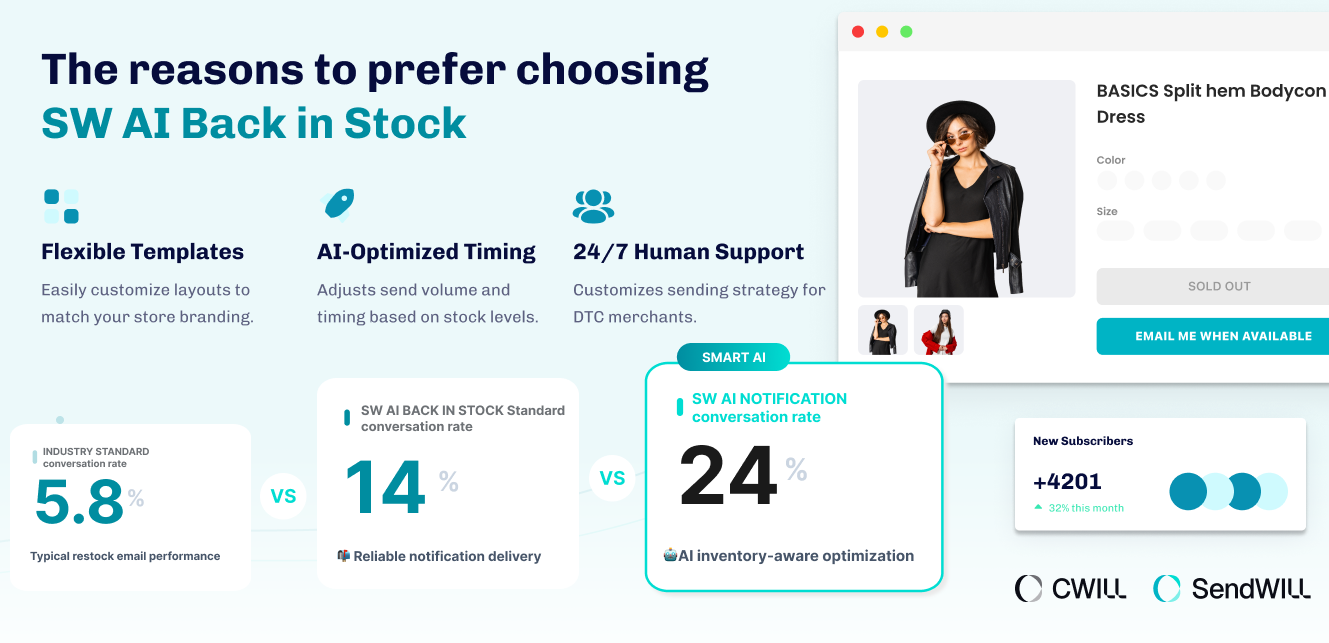
Although there are many back-in-stock apps available across eCommerce platforms like Shopify, BigCommerce, and WooCommerce, not every solution is built to support your business growth. To help you choose the right fit, we’ve compared SendWILL Back in Stock with other back-in-stock apps below.
| SendWILL BIS | Back In Stock, Notify Me: Kbite | Notify! Back in Stock | PreOrder | |
|---|---|---|---|
| Free Plan (100% Free to Use) | 100% Free to Use | Free Plan Only | Free Plan Only |
| Unlimited Email Notifications | ✅ | ❌ | ❌ |
| AI Optimized Notification Strategy | ✅ | ❌ | ❌ |
| Email & SMS Alerts | ✅ | ✅ | ✅ |
| Auto Multi-Language (Email + Form) | ✅ | ❌ | Paid Tier Only |
| Collection Page Signup | ✅ | ❌ | Paid Tier |
| Floating Popup | ✅ | ❌ | ❌ |
| Minimum Inventory Trigger | ✅ | ❌ | ✅ |
| Notification Frequency Control | ✅ | ❌ | ❌ |
| Manual Notification Sending | ✅ | ❌ | High-tier Only |
| Subscriber List Access | ✅ | ❌ | ❌ |
| Restock Conversion Dashboard | ✅ | ✅ | ✅ |
| Detailed Reporting Tools | Coming Soon | ❌ | ✅ |
| Preorder Buttons | ❌ | ❌ | ✅ |
How to Get Started with SendWILL Back in Stock
Getting started with SendWILL Back in Stock is simple. In just a few steps, you can turn out-of-stocks products into revenue opportunities, boost cash flow, and start recovering lost sales automatically.
#1 Enable Signup on Out-of-Stock Products
Display customizable signup forms on out-of-stock products so customers sign up through a subscription form instead of leaving your Shopify store. This allows you to capture customer alerts for their favorite items and align with their current needs.
You can customize forms or SMS to match your brand and set preferred notification channels. These features help you sell more even when products are temporarily unavailable.
#2 Let the System Detect Restocks Automatically
Once inventory is updated, SendWILL Back in Stock automatically detects restocks with no manual action required. Our app integrates seamlessly with your Shopify store to monitor stock changes and prepare restock events.
Its AI engine evaluates stock availability and subscriber engagement signals to determine optimal notification timing, ensuring alerts are triggered strategically rather than in bulk.
#3 Auto-send Optimized Back-in-Stock Alerts
When products return, SendWILL Back in Stock automatically sends restock alerts and customer alerts via email and SMS. You can control notification settings or rely on AI optimization to match shopper behavior.
These features ensure customers receive relevant updates promptly, helping you convert demand while maintaining a consistent brand experience.
#4 Track Performance and Optimize Inventory
Use detailed analytics to monitor delivery rates, conversions, and engagement. Insights show which back-in-stock alert campaigns perform best so you can refine your strategy and boost revenue.
Analytics also strengthen inventory management by highlighting demand trends and favorite items, enabling smarter decisions and sustainable growth for your business.
Maximize Every Restock with SendWILL Back in Stock
Out-of-stock products do not have to mean missed opportunities. With SendWILL Back in Stock, you can capture demand, automate notifications, and stay connected with high-intent shoppers.
Ready to improve your restock strategy? Install SendWILL Back in Stock today and start optimizing your sales recovery.

Marketing Manager
Jaelle Lin is the Marketing Manager at CWILL, driving DTC growth on Shopify across retention, loyalty, and post-purchase experience. She works with brands to optimize the entire customer journey from acquisition to order tracking, shipping protection, returns, and lifecycle engagement, helping build sustainable, long-term revenue through customer relationships.